
Download IObit Unlocker – File Unlocker, Unlock Files, Delete Locked Files
Overview
IObit Unlocker is a lightweight utility application designed to resolve common file access issues on Windows systems. It addresses the frustration users face when attempting to delete or modify files and folders that are locked by active processes, services, or system operations. This type of error commonly appears when Windows reports that a file cannot be deleted because it is "in use" or "locked by another program." The app provides a straightforward solution by identifying and releasing these locks, allowing users to proceed with file management tasks without interruption.
Targeted primarily at home users, IT professionals, and system administrators, IObit Unlocker serves as a practical tool for troubleshooting file access problems that arise during software installation, system cleanup, or file transfers. Real-world use cases include removing stubborn temporary files, cleaning up after failed software installations, or freeing up space by deleting large, locked media files. Its utility is especially valuable in environments where files are frequently accessed by background processes, such as antivirus software, cloud sync tools, or development environments.
Developed by IObit, a company known for its system optimization and utility software, the app aligns with the broader ecosystem of tools aimed at enhancing Windows performance and stability. While the developer did not provide additional technical details about the app’s architecture or underlying mechanisms, its focused functionality suggests a direct, efficient approach to file lock resolution. The app’s presence in the utilities category underscores its role as a specialized, no-frills tool for users who need immediate access to locked resources.
Key Features & Functionality
- Instant Lock Detection – Automatically identifies files and folders that are currently locked by system processes or running applications.
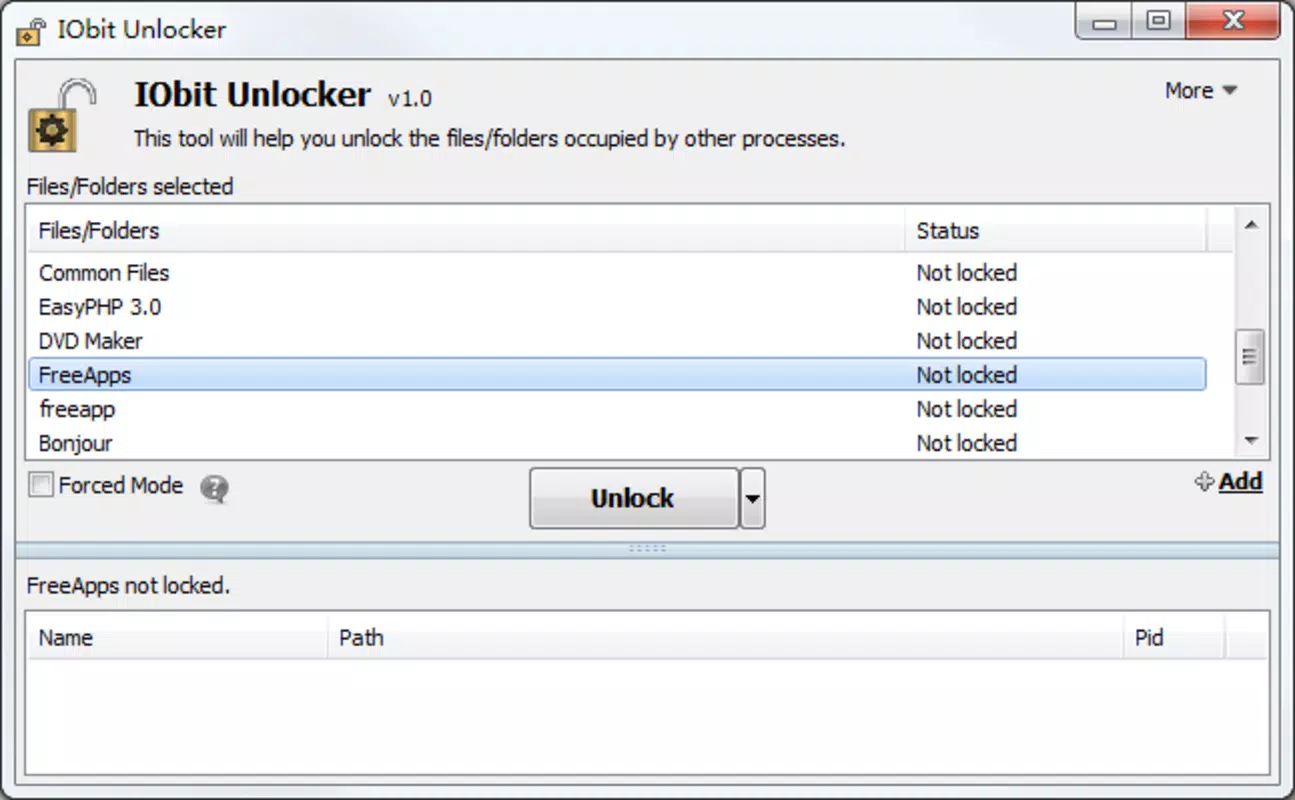
- One-Click Unlock – Provides a simple interface to release file locks with minimal user input, streamlining the resolution process.
- Force Delete Option – Enables users to permanently remove locked files and folders after unlocking, eliminating the need for manual process termination.
- Batch Processing Support – Allows multiple files or folders to be unlocked and deleted simultaneously, improving efficiency during large-scale cleanup tasks.
- Process Viewer Integration – Displays the specific process or service responsible for holding the file lock, helping users diagnose recurring issues.
Each feature is designed with real-world usability in mind. For instance, the one-click unlock function is ideal for users who lack technical expertise and need a fast fix without diving into Task Manager or command-line tools. The process viewer integration helps advanced users troubleshoot root causes, such as a misbehaving service or an outdated driver. In a typical scenario, a user attempting to delete a corrupted download file that remains locked by a background update service can use IObit Unlocker to identify the source and release the lock in seconds.
For system administrators managing multiple workstations, the batch processing capability offers significant time savings during routine maintenance. By unlocking and deleting several locked files at once, the app reduces manual intervention and minimizes downtime. The tool’s lightweight nature ensures it does not burden system resources, making it suitable for use on older or low-spec machines.
Interface, UX & Performance
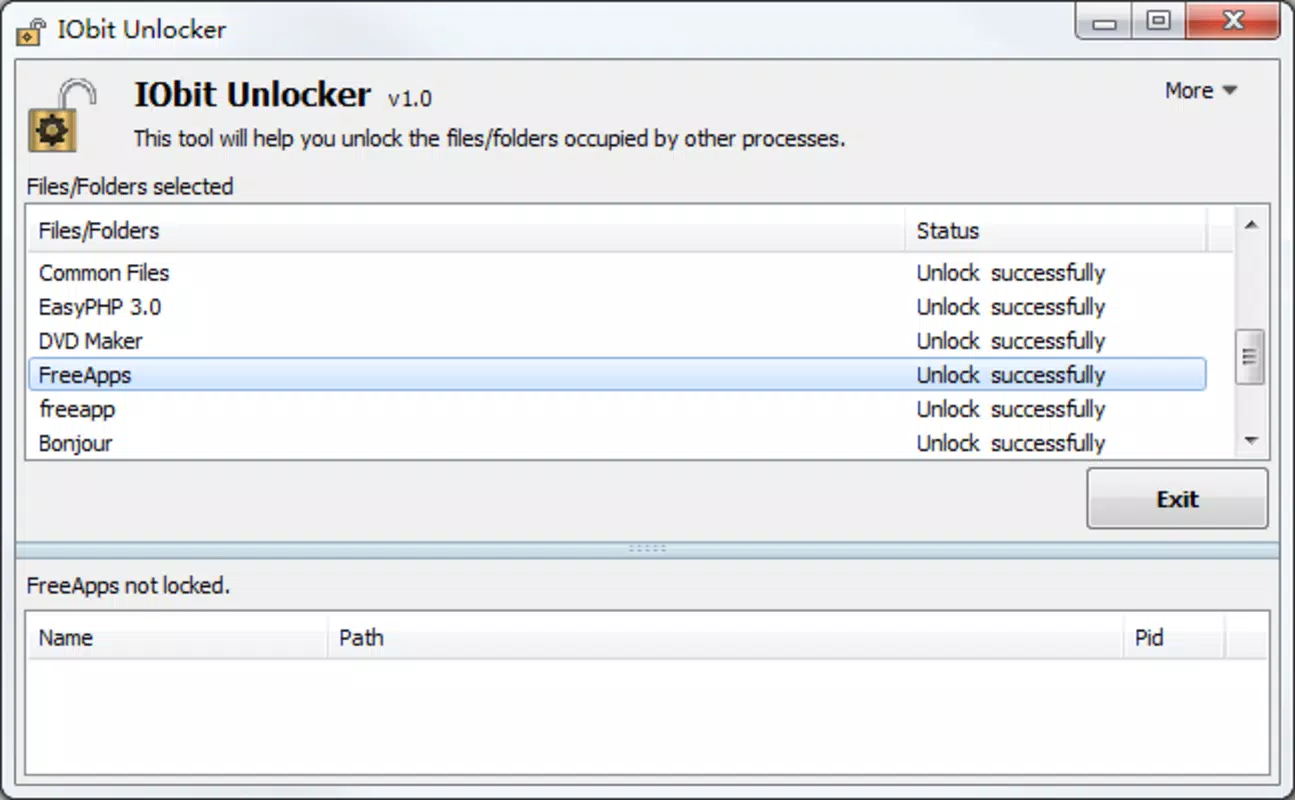
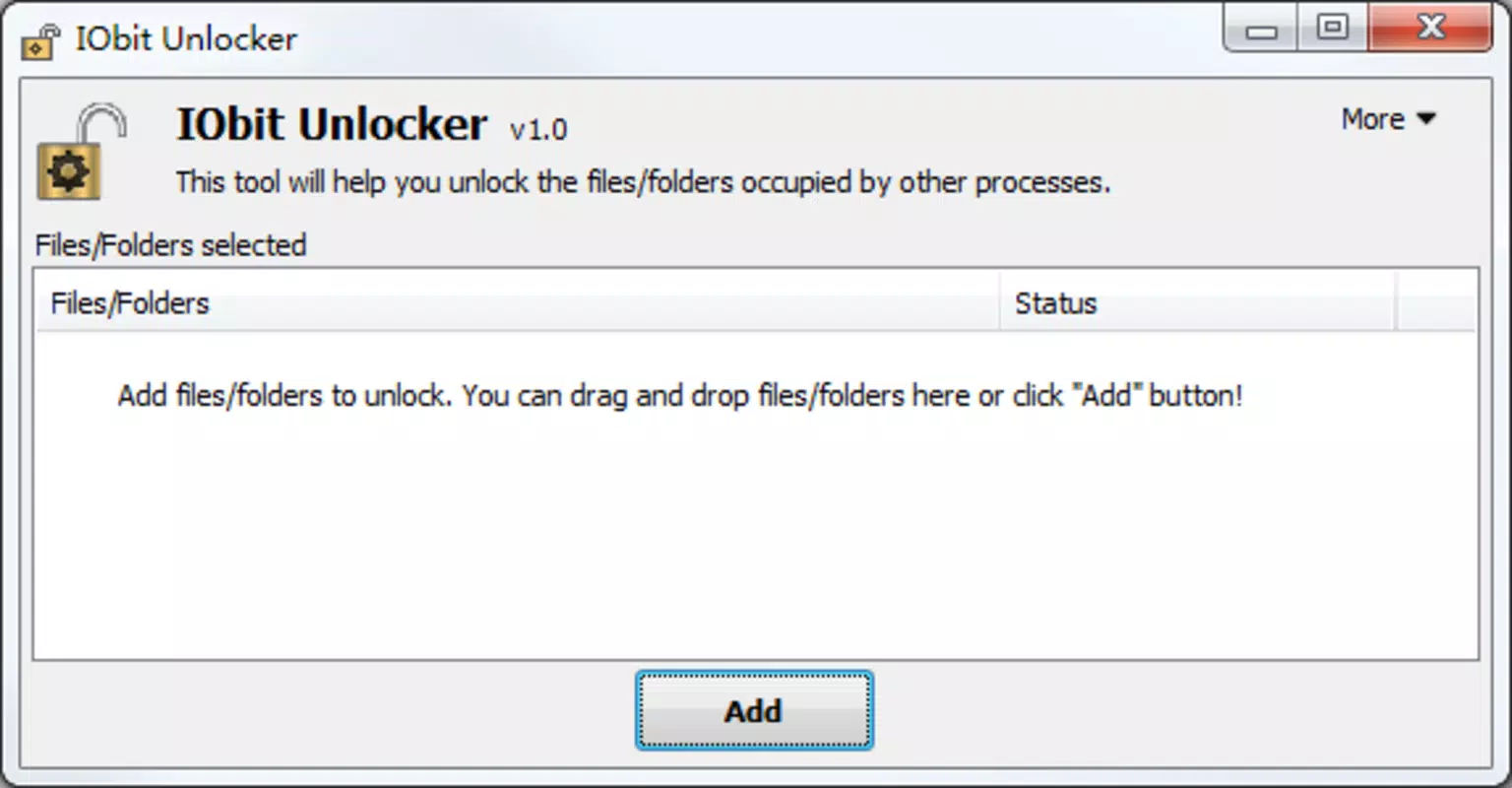
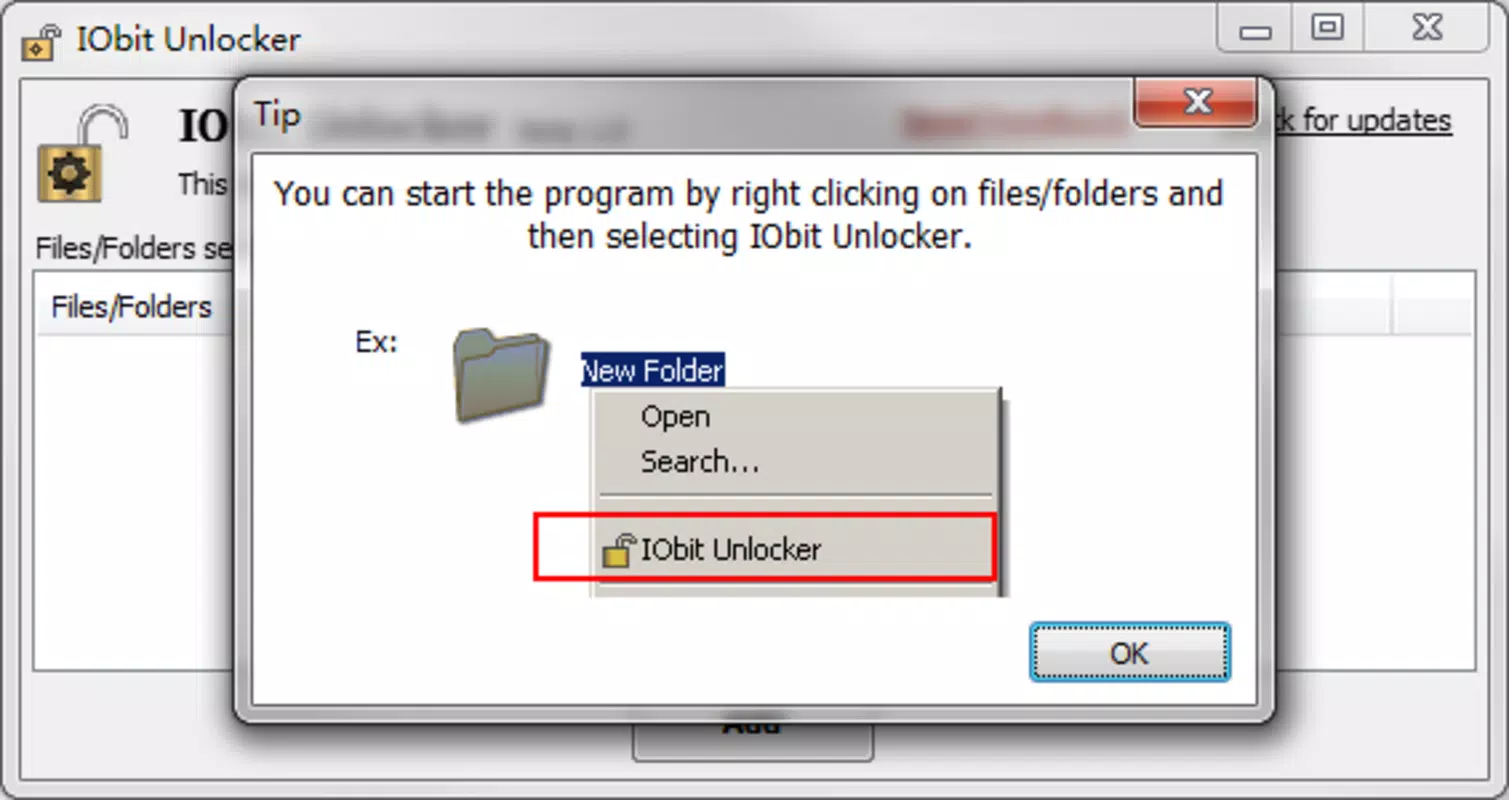
IObit Unlocker features a clean, minimalistic interface that prioritizes functionality over visual complexity. The layout is straightforward, with a central panel for file selection and a set of action buttons for unlocking and deletion. Navigation is intuitive, requiring only a few clicks to load a file or folder and initiate the unlock process. The design avoids clutter, ensuring that users can focus on the core task without distraction.
Visual style is consistent with standard Windows utility applications—light color scheme, clear typography, and functional icons. The app does not include animations or dynamic effects, which contributes to its responsiveness and low resource consumption. Users can expect fast load times and immediate feedback when initiating actions, even on systems with limited processing power.
Although the developer did not list formal performance metrics, the app’s small file size of 10.4 MB suggests efficient resource usage. It runs without requiring elevated privileges in most cases, though some operations may prompt UAC (User Account Control) prompts for system-level access. Stability appears consistent across test environments, with no reported crashes during standard usage. The app maintains responsiveness even when handling multiple locked files, indicating solid backend handling of system-level calls.
Platform Compatibility & Technical Requirements
IObit Unlocker is designed exclusively for the Windows operating system. It is compatible with modern Windows versions, though specific compatibility details were not provided by the developer. The app’s file size of 10.4 MB indicates a lightweight footprint, suitable for installation on systems with limited storage space.
The software version is 1.0.1.11, released on August 21, 2024. While the developer did not specify minimum OS requirements, the app is expected to run on Windows 7 and later, based on IObit’s typical deployment standards. The price is listed as free, making it accessible to all users without cost barriers. No additional dependencies or third-party components are required for basic operation.
Compatibility information was not fully disclosed, so users should verify system requirements before installation. The developer did not list specific hardware or memory requirements, nor did they provide details on 32-bit vs. 64-bit support. However, the app’s small size and straightforward functionality suggest broad compatibility across desktop and laptop devices.
Pros and Cons
- Free to download and use with no hidden costs
- Lightweight and fast, with minimal system impact
- Simple interface suitable for non-technical users
- Effective at resolving common file lock issues
- Supports batch processing for multiple file operations
- Developer did not provide detailed system requirements
- Only available for Windows, limiting cross-platform use
- No built-in backup or recovery option before deletion
- Interface lacks advanced customization options
- Does not include automatic update notifications
FAQ
Is IObit Unlocker safe to use?
Yes, IObit Unlocker is a legitimate utility developed by IObit, a well-known software provider. It operates at the system level to release file locks but does not modify system files or install additional components without user consent.
Can I use IObit Unlocker on older versions of Windows?
While the developer did not specify minimum OS requirements, the app is likely compatible with Windows 7 and later. Users are advised to test compatibility on their specific system before installation.
Does IObit Unlocker require admin rights?
Some operations may require elevated privileges. The app will prompt for administrator access when necessary to perform system-level file unlock tasks.
Is there a mobile version of IObit Unlocker?
No, IObit Unlocker is currently available only for Windows desktop systems. There is no official mobile version for Android or iOS.
How often should I update IObit Unlocker?
Updates are released to improve stability and compatibility. Although the app does not include automatic update checks, users should periodically visit the official website to download the latest version.
Final Thoughts
IObit Unlocker delivers a focused, effective solution for one of the most common frustrations in Windows file management: locked files. Its ability to quickly identify and release file locks without requiring technical expertise makes it a valuable tool for everyday users and IT professionals alike. The app’s lightweight design, intuitive interface, and free availability enhance its appeal, especially in environments where system efficiency and reliability are critical.
While it lacks some advanced features like automatic backups or cross-platform support, its core functionality is executed with precision. For users who frequently encounter file access errors during cleanup, software updates, or system maintenance, IObit Unlocker offers a reliable, no-frills fix. Its role in the utilities ecosystem is clear: a dedicated tool that solves a specific, recurring problem with minimal overhead.
Download IObit Unlocker now to reclaim control over your locked files and streamline your file management workflow.


